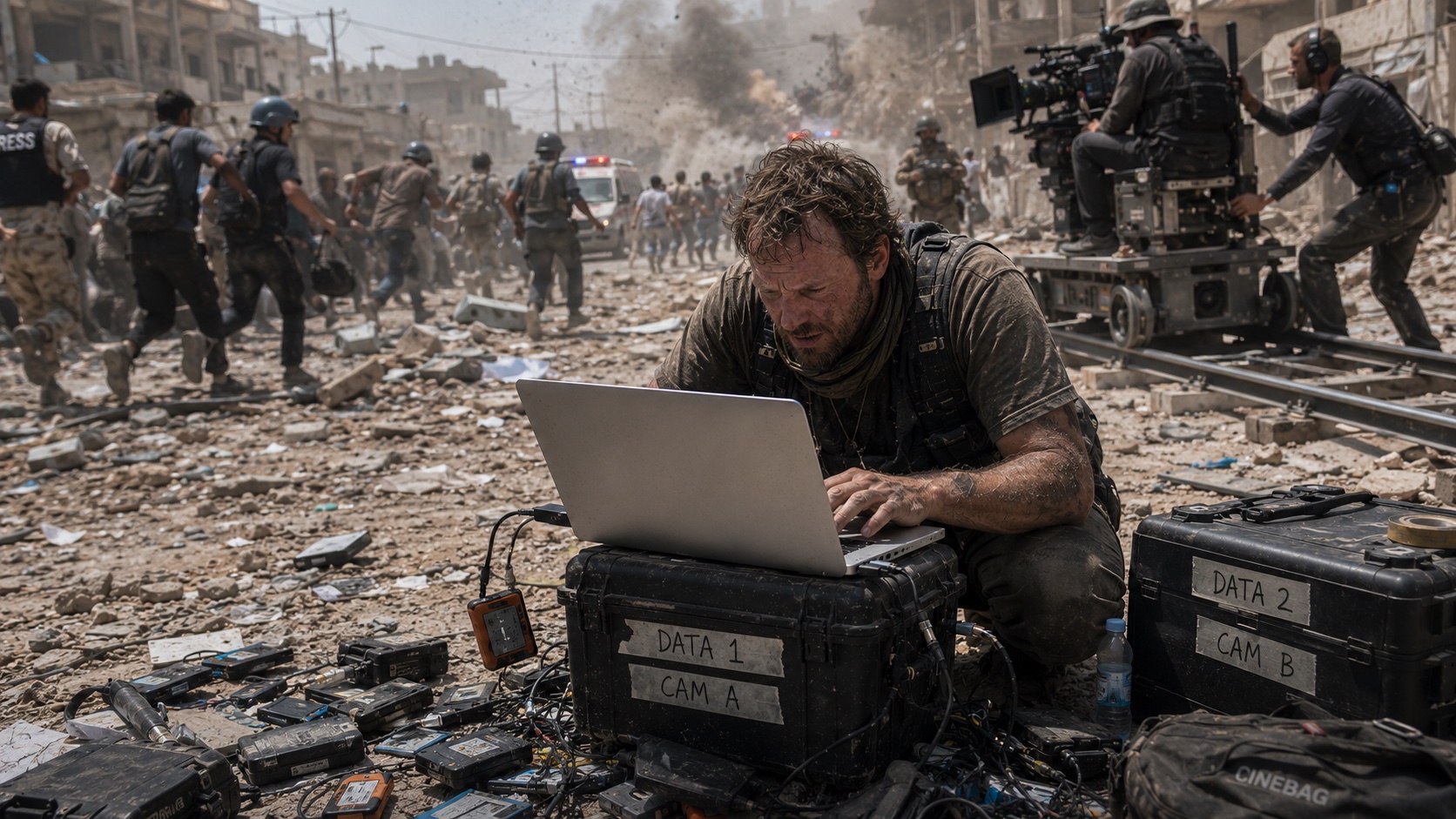
Footage offload and verification for filmmakers and DITs
Is your footage offload
really safe?
MasterCopy
Copy finished ≠ safely finished.
After copying, every file is checked against the original to confirm it's truly intact.
How to Use
A simple 3-step process
Drag & Drop
Just pick your source media
Start
Copying starts instantly. SSDs run up to 4 files at once; HDDs switch automatically to a safe mode.
Done
Records every file's verification result and
auto-generates an MHL report
The Problem
Moving on with "probably fine"?
The copy bar says "Complete." But you can't tell whether every file truly made it. With no way to check, you format the card and head to the next shoot.
Is a Finder copy really safe?
Finder only tells you "transfer finished." It can't tell you whether footage you can never reshoot was actually copied correctly.
Is it really safe to format?
To keep shooting, you have to wipe and reuse a card. But formatting before you've confirmed the copy — is that really safe?
Pro software is overkill for one person.
High-end offload software is made for big sets with a dedicated DIT. For someone shooting and copying solo, both the cost and the features tend to be overkill.
The Solution
Copy, then verify every file.
The two-step hassle of copying in Finder and checking later — gone, in one tool.
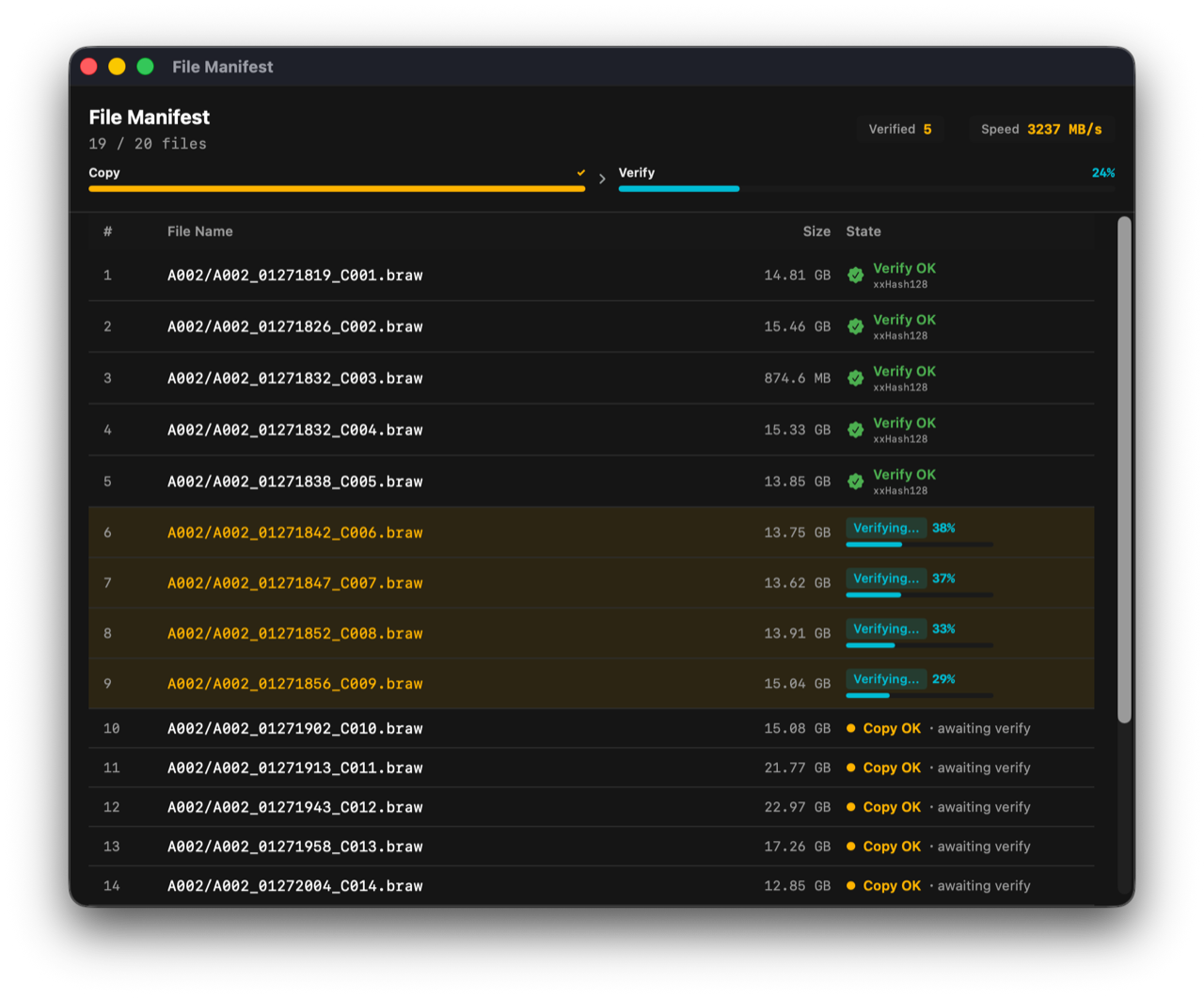
Verify
Verify every file after the copy
When the copy finishes, every file is hash-checked against the original — not even a one-byte difference slips through.
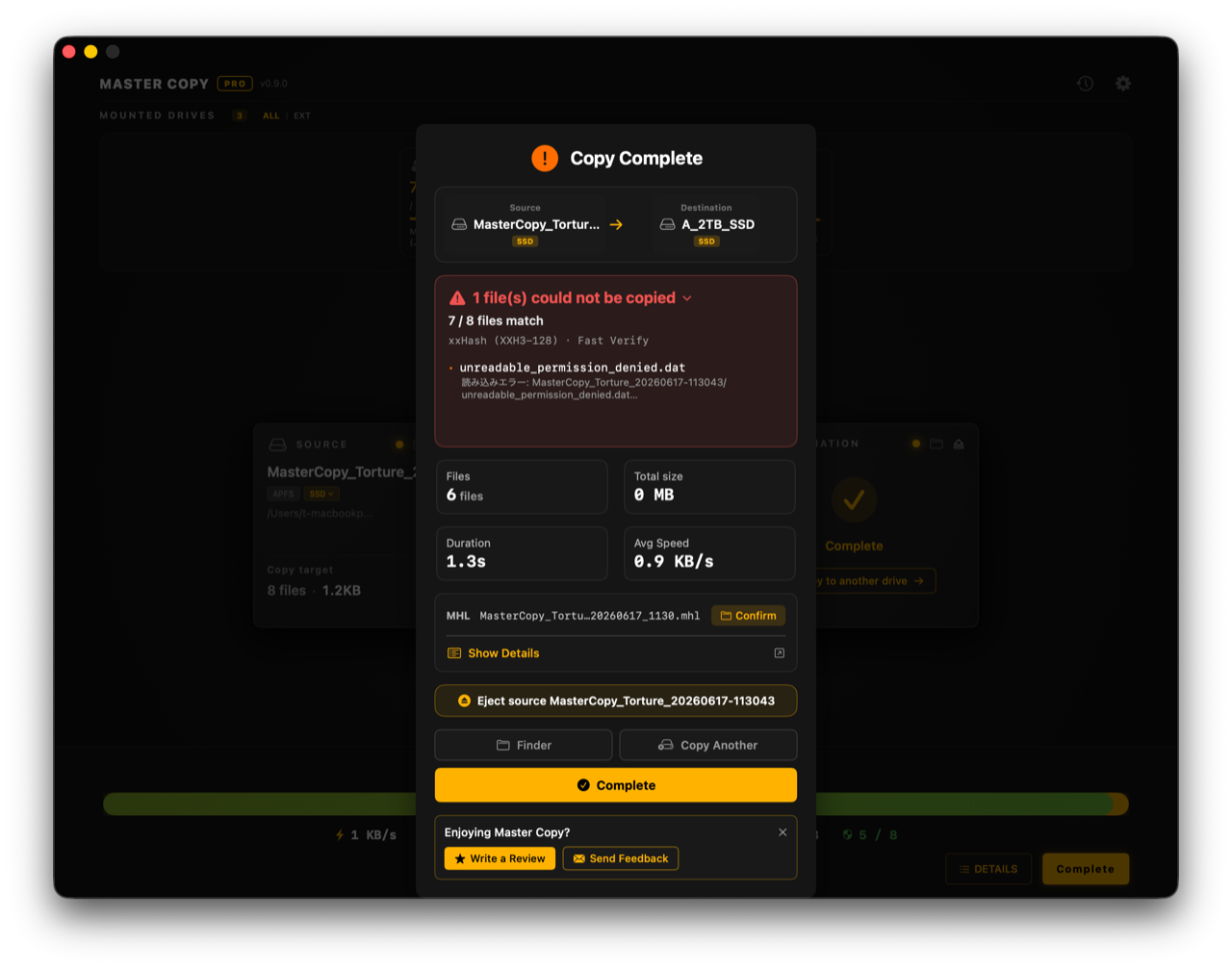
Detect
Catch and quarantine only the broken files
Problem files are stopped and isolated while the rest keeps going. You can see at a glance what's safe and what isn't.
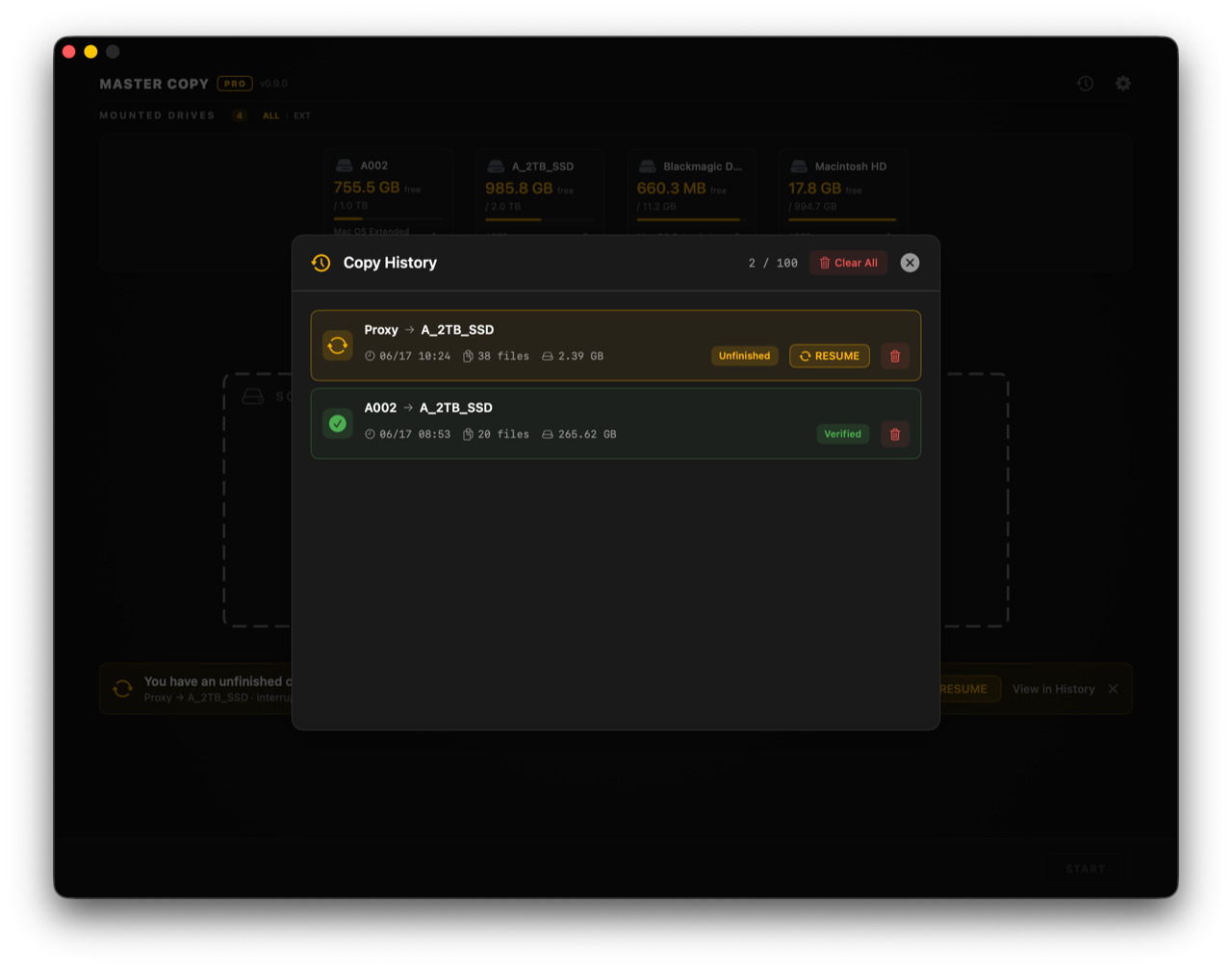
Resume
Pick up right where it stopped
A disconnect or cancel never means starting over. Resume safely from where you left off.
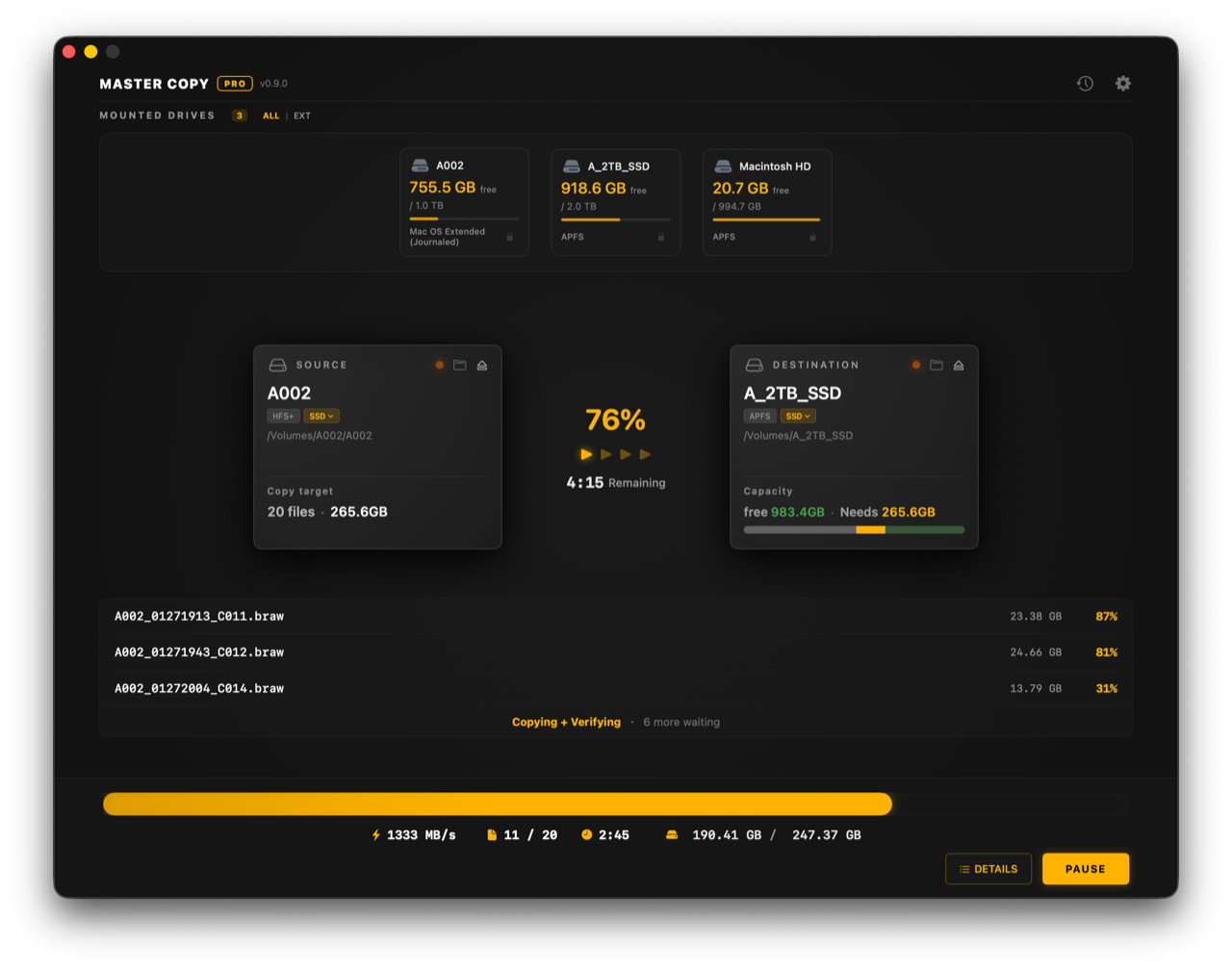
Overview
Progress at a glance
Source, destination, progress and what's left — all on one screen.
Hash-checks every file
Catches even a 1-byte difference
Auto-detect & quarantine corruption
Stops only the broken file and keeps going
Auto-generate MHL report
ASC MHL v2.0 compatible. Proof for handoff
Resume after interruption
Won't start over if it stops midway
SSD parallel copy
Up to 4 files at once
Never touches your originals
It has no delete or move code at all
Incremental copy
Re-insert and only what's missing is added; existing files are never overwritten
Finder only says "done." MasterCopy confirms it's truly intact.
| Finder | MasterCopy | |
|---|---|---|
| Compares every copied file against the original | ✗ | ✓ |
| Finds corruption you can't see | ✗ | ✓ |
| Reliable writes (doesn't trust the cache) | ✗ | ✓ |
| Leaves a copy certificate (MHL) | ✗ | ✓ |
| Protects the original (never deletes) | ✓ | ✓ |
| Resumes after stopping midway | ✗ | ✓ |
| Quarantines broken files and keeps going | ✗ | ✓ |
| Re-copy adds only what's missing (no overwrite, nothing lost) | ✗ | ✓ |
Pick the right fit.
Finder isn't enough. Pro software is too much. In between, there's MasterCopy.
Finder
Free and simple — on every Mac. But it can't confirm the copy was actually correct.
MasterCopy Free + Pro
Adds the verification Finder lacks, without the weight of pro tools. Try it for free, then unlock Pro with a one-time purchase when you need it.
Pro offload software
Powerful and dependable for larger productions. For a solo workflow, compare the features you need with the ongoing operating cost.
For these people, for this data.
Not just a tool for filmmaking. For everyone who handles data they can't recreate.
Filmmakers
For backing up footage
Production teams
For handing off and storing data
Photographers
For backing up photo data
Music production
For storing tracks and projects
Videographers & YouTubers
For protecting footage
Personal precious files
Move your memories safely
Who Made This
By a filmmaker, for the people who make things.
"On a movie set, why is copying data still a black box you can't see into? — I kept wondering."
Japanese cinematographer · MasterCopy developer — alps.tokyo
On a big set, a dedicated DIT protects the data. But you don't always have one, and for small or independent crews, paying every shoot is heavy. Between pro software and a plain copy, there was nothing.
To fill that gap, I built MasterCopy. I still use it on my own sets, and keep improving it.
Is it really safe?
MasterCopy has no code to delete, move, or alter your source (original) in the first place. And verification always happens after the copy finishes, reading back from the actual disk — not mid-copy, not from cache. Losing your originals isn't something to be careful about; it's structurally impossible from the start.
* Only when an overwrite is needed at the destination — and after confirmation — existing files are moved to the Trash. The source is never touched.
Is the copy actually correct?
Words alone aren't proof. So we audit our own copy results with independent third-party tools, unrelated to MasterCopy, and publish them.
See the independent verification report※ Results of independent third-party verification run automatically on GitHub Actions. See the verification report →
Frequently asked questions
How is it different from Finder?
Can I use it for non-video data?
What if I copy the same card again?
Do copy and verification finish at the same time?
Doesn't verifying make it slower?
How does it actually check?
What is MHL?
Is it free to try or a subscription?
Could it delete my originals?
Does it work on Intel Macs?
Does it talk to the network during a copy?
Feedback
Grown by voices from the field
We use your "I wish it could…" as input for what to build next.
If you have a request or notice something, send it over anytime.
Available now on the Mac App Store.
Free download. Pro is a one-time purchase.
Try the free tier, then upgrade only when you need it.
The current price is shown on the Mac App Store.

macOS 14.0 Sonoma or later · Apple Silicon / Intel
SSD recommended. It works on HDD too, but verification (re-reading every file at the destination) adds time.